
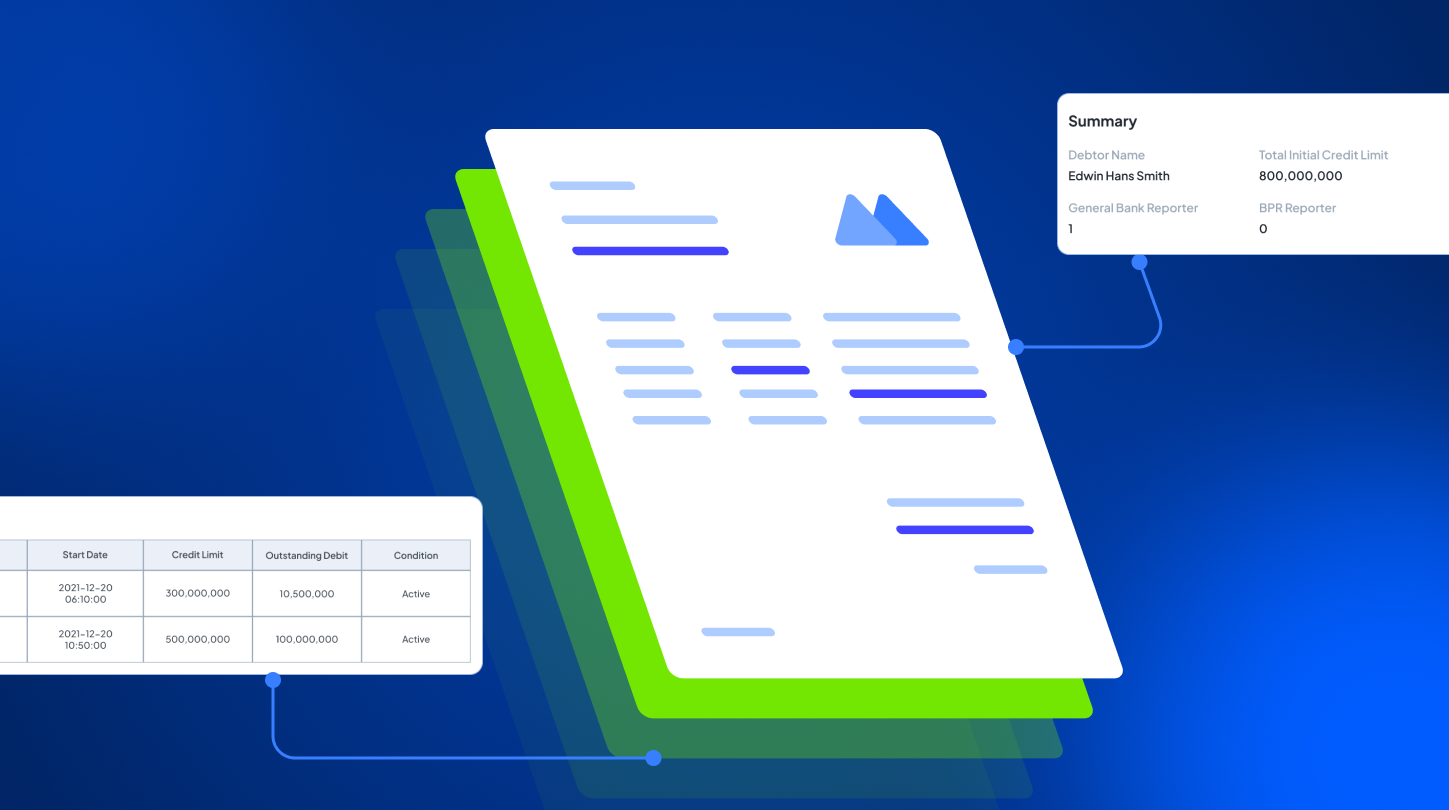

In today’s digital landscape, parsing has become a common method for data extraction. Imagine if every essential detail from your invoices or customer forms could be pulled out into editable data in seconds. That’s exactly what happens when you use a document parser tool.
This means you no longer need to manually rewrite data into your spreadsheet or database system, saving time, and making your daily processing workflow a lot more efficient.
What is Document Parser
A document parser is a tool that uses OCR technology to pull out data from documents automatically, whether they are scanned copies or digital files. As a result, the parsed information will be generated in a format that can be read and processed by a computer. With its capabilities, this tool is particularly useful for streamlining large document data entry by automating data capture and reducing manual errors.
How to Use Document Parser
As discussed before, OCR technology is a key driver behind a document parser’s ability to capture and organize information from documents. Consider using an AI-powered tool, which ensures data is extracted accurately across different document types. Here’s how it works step by step.
Upload
Import scanned or digital documents into the tool.
Extract
The parser instantly extracts key fields based on the detected document type. In the case of invoices, it captures vendor details, line items, payment amounts, payment due date, and other relevant information.
Export
Review data results and continue exporting it into your preferred format, such as XLS, JSON, or CSV. Additionally, you can seamlessly push the data into integrated ERP, CRM, or other business processing systems.
Who Can Benefit from This Tool
Document parsers are valuable tools for businesses and professionals who regularly handle large volumes of documents. They serve as time-saving solutions that help automate data capture, eliminate repetitive manual entry, and improve back-office productivity. Here’s how various business processes can use a document parser:
Accounting & Finance
Streamline accounting tasks that heavily rely on data entry by using this tool to automatically extract key details from invoices, receipts, and other proof of payments.
Human Resources
Parse candidate’s information from every newly received resume for faster recruitment process and organized talent polls.
Sales Operations
Accelerate sales order processing by automating data parsing from purchase orders or order forms, leading to shorter fulfillment times.
Administration
Digitize reports and internal records by parsing them into digital formats to enhance organization, simplify retrieval, and improve overall operational efficiency.
Additional FAQs About Document Parser
How accurate is the Document Parser?
Accuracy depends both on the document parser tool you use and your document quality. To ensure precise data parsing, a document parser tool powered by AI OCR is the best choice, as it uses adaptive extraction with review workflows available.
How does the Document Parser handle different document formats?
Rather than relying on rigid templates, AI-powered document parsers recognize key fields based on context and structure, enabling accurate data parsing across vendors and document types.
