
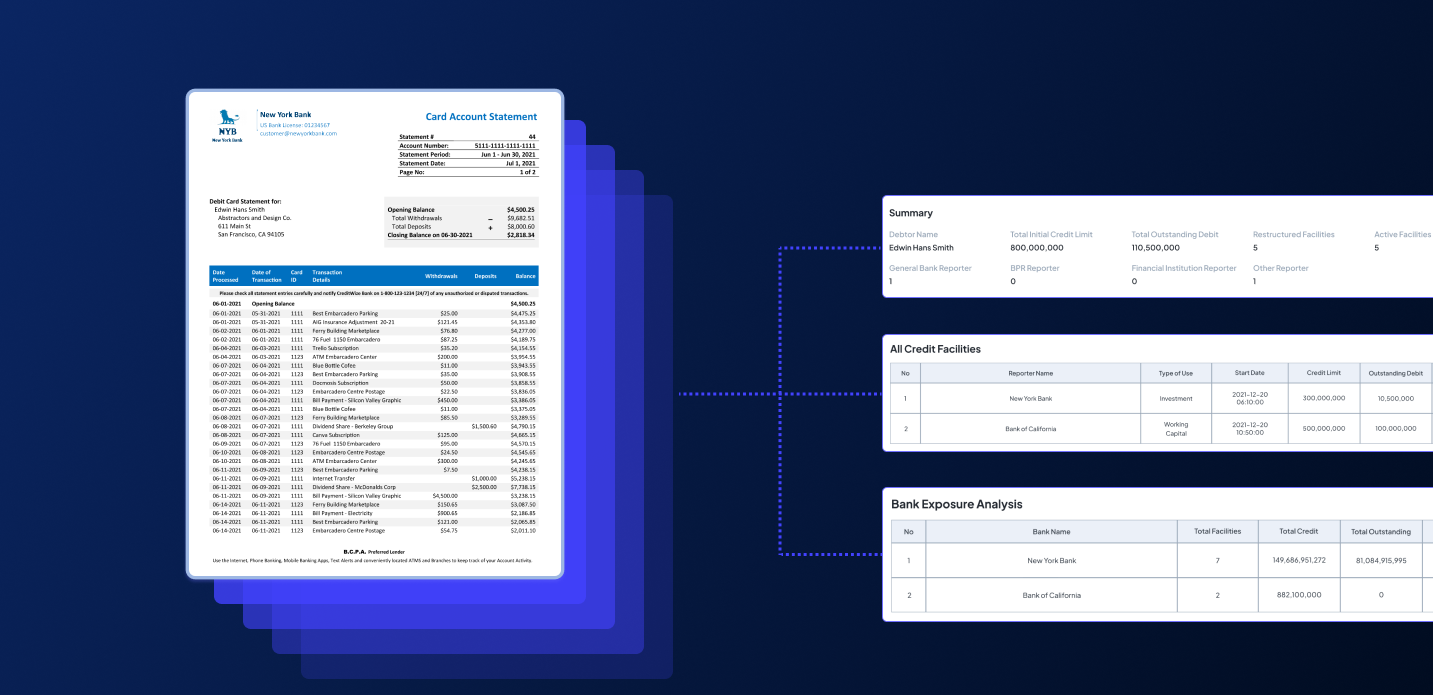

Do you usually input data from financial statements into Excel by hand? Then, you must be done with how tedious and time-consuming it is to type each data over and over again.
But here’s the good news. In this blog post, we will walk you through how Fintelite AI OCR can help you automate data extraction from financial statements to Excel in a few simple steps. Whether you need to extract structured data from business annual statements or assess financial performance, Fintelite AI OCR makes it all effortless.
Find out everything you need to know as we answer the top questions on:
- How Fintelite AI OCR works
- Step-by-step guide to convert financial statement data to Excel
- How it meets your business needs
- How to integrate it into your existing workflows
What is Fintelite AI OCR, and how does it work?
Answer: Fintelite is an intelligent document automation provider, with AI-powered OCR is one of the most popular tools. This tool is designed to automatically read, capture, organize data from documents into structured data formats like Excel. Powered by AI, it seamlessly extracts long lists of information or even complex tables, such as those found in financial statements.
How can I use Fintelite to extract financial statement data to Excel?
Answer: With Fintelite AI OCR, it only takes a few simple steps to automate data extraction from financial statements to Excel. Here’s how you automate it easily:
- Start by importing your financial statements file into the Fintelite AI OCR system.
- Fintelite AI OCR automatically scans, detects tables, and extracts all the relevant financial data.
- Export the extracted data into a structured Excel file for your further use.
Try Fintelite for Free
Can Fintelite process diverse structures of financial statements?
Answer: Yes, Fintelite is enhanced with AI that self-adapts to any document without requiring extra configuration. It does not matter if your financial statements come with varying designs or layouts, Fintelite seamlessly processes them all with consistent precision.
Can Fintelite handle scanned PDFs and image-based financial statements?
Answer: This also a yes, Fintelite accepts a wide range of document formats, including scanned PDFs, JPG, and other image-based files. Even if your financial statements are not digitally generated, Fintelite reads and extracts the data with ease.
Is it possible to customize specific data extraction?
Answer: Yes, this is what makes Fintelite AI OCR different from many other tools. You can freely customize and set up exactly which data you want to extract, then activate it for automated extraction. For example, you can choose to extract only specific fields such as revenue, expenses, net profit, assets, liabilities, or cash flow data.
How fast can Fintelite convert financial statements to Excel?
Answer: Your financial statement copy in Excel will be generated in just minutes after you upload the file. However, the exact processing time may also depend on how many pages your financial statements have.
How do I integrate Fintelite for my business workflows?
Answer: You can easily integrate Fintelite into your workflows by downloading the extracted data as a XLS file or by using our in-app integrations to directly send the data to your spreadsheet database and other supported systems.
How does Fintelite AI OCR ensure data security?
Answer: At Fintelite, your data privacy and security is our top priority. We use enterprise-grade security and support flexible cloud deployment, allowing you to choose the setup that best fits your business requirements.
