
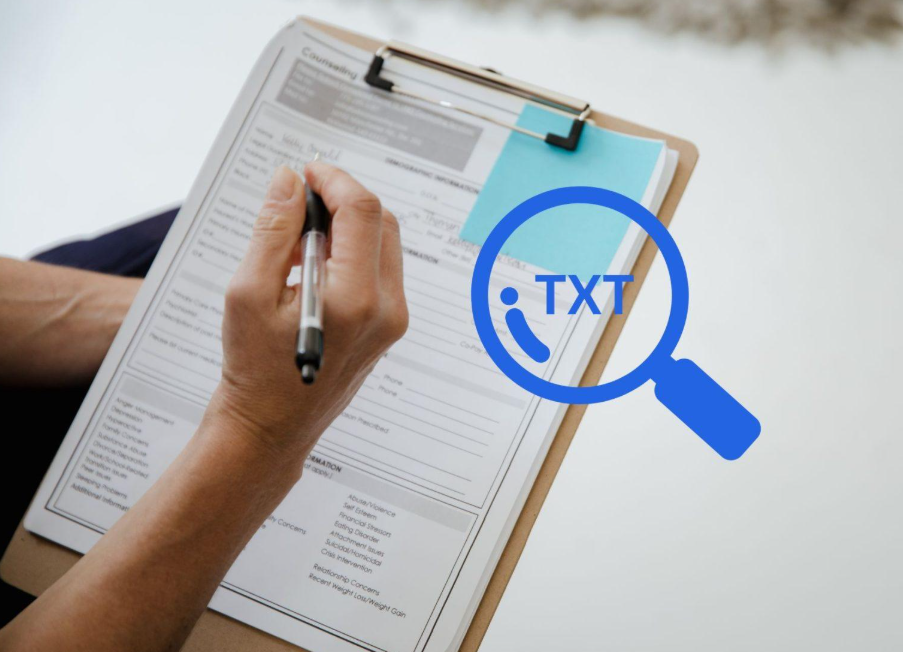

Handwritten forms refer to paper-fillable templates that are commonly used to collect requests, orders, or statements. It is a document containing information such as names, contact details, and addresses, while the specific details may vary according to the intended purpose of the forms. With Fintelite, all that data in handwritten forms can be automatically captured, cutting hours of manual entry that only slow you down.
Fintelite AI-powered OCR serves as a scalable solution to help you efficiently parse documents, turning them into structured data output for easier record-keeping and digital processing. See how it works and try it out yourself. In this guide, you will find answers on how to automatically extract data from handwritten forms with Fintelite.
What is Fintelite AI OCR?
Answer: Fintelite AI OCR is a data capture automation tool designed to read, extract, and convert unstructured documents into structured data format. Once you use Fintelite, you no longer need to manually sift through papers and retyping each data for hours.
How accurately does Fintelite AI OCR extract handwritten data?
Answer: Fintelite uses AI to smartly recognize details with >95% accuracy rate, even from content with inconsistent formatting like handwritten forms. To get the most precise results, ensure you upload handwritten forms in high-resolution scanned files.
Does Fintelite AI OCR automatically extract all information from a form?
Answer: By default, Fintelite AI OCR automatically scans and extracts all detectable data in a form. Need only specific information? Fintelite’s customization menu lets you easily create pre-defined rules for which data to capture.
How can I customize which specific information to extract?
Answer: Customize how you want Fintelite OCR to extract data from handwritten forms effortlessly, in just a few steps. Simply create a template by defining the types of information, such as names, dates, addresses, order items, and activate it when you start automating.
How can I begin automating form data extraction?
Answer: To begin, all you need to do is just upload your forms and let the AI do the rest. Fintelite AI OCR automatically detects form layouts, recognizes key data fields, and extracts all the necessary information into structured, digital outputs. Watch a quick demo video to see Fintelite in action.
Is there an option to preview extracted data before exporting?
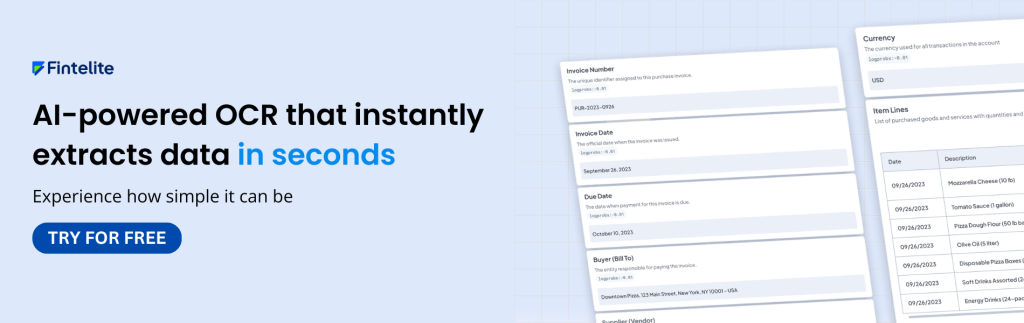
Answer: Yes, once the data extraction process is complete, you can review and make adjustments if necessary before exporting it. This step is to ensure that only accurate and approved information moves downstream to your systems.
What data output formats does Fintelite provide?
Answer: Fintelite equips you with multiple export options, including XLS and JSON formats. You can choose XLS if it is for spreadsheet-based documentation and reporting, while JSON is ideal for system integrations and automated workflows.
Is it possible to deliver form extract straight to our existing database?
Answer: Yes. Fintelite supports seamless data delivery with API integration. This integration enables extract results to be transferred directly to the application or database system your business currently uses.
