
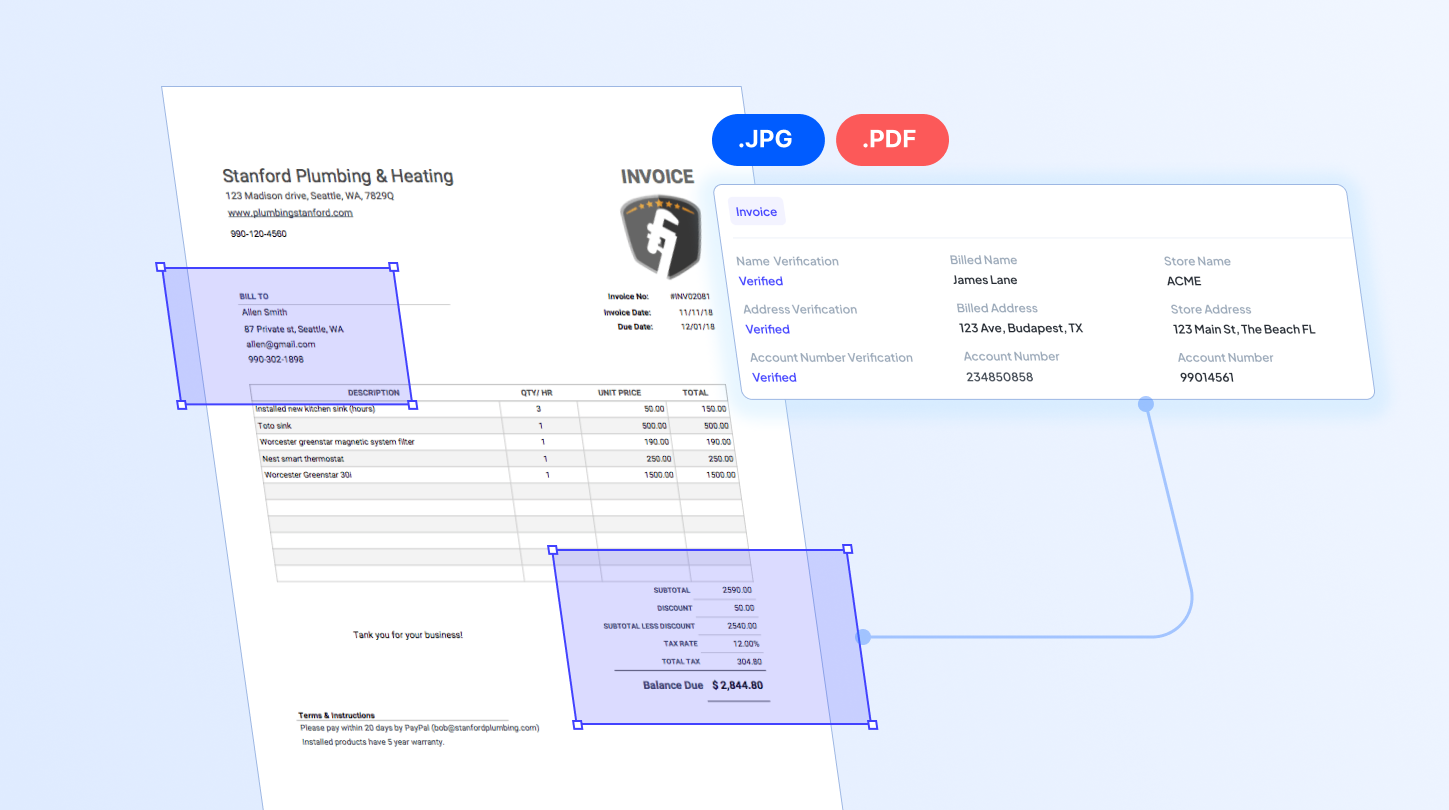

Businesses receive massive volumes of information every day, and much of it is stored in PDF documents. PDFs are static files, meaning the data they contain is not easily accessible for direct use in digital systems. As businesses continue to digitize, extracting data from these PDF documents is essential. This process can be done manually or fully automated with the right tool.
Traditionally, employees had to retype data from PDFs for hours just to use it. Today, modern technologies like OCR have made PDF data extraction drastically easier. By automatically capturing and converting data into machine-readable, PDF data extraction software is transforming the way businesses handle documents. In this article, we will explore the five best PDF data extraction software, each with its own strengths. We hope this guide helps you select the solution that aligns with your business needs.
Key Features to Consider
Choosing the right PDF data extraction software relies on several factors. Not all solutions deliver the same level of accuracy, automation, or scalability, so evaluating them in advance can help you avoid costly disruptions later.
Accuracy for your document types
First and foremost, ensure the software performs well on the specific PDF documents you will routinely process. Some software may lack the ability to read data in complex tables or documents with varying designs. This is important to reduce the need for manual validation and prevent delays in your automated data pipelines.
Customization support
If your workflows require extracting only particular data fields, look for a solution that supports custom extraction rules. It is also important to ensure that the configuration is easy for your team to set up and manage the tool without heavy technical effort.
Integration readiness
When integration is required, the software must be able to connect seamlessly with your existing systems or applications. This includes well-documented APIs and strong workflow automation capabilities to enable efficient data transfer across downstream processes.
Top PDF Data Extraction Software for Businesses
1. Fintelite

Fintelite offers AI-driven PDF data extraction with powerful features optimized for scalable document processing. Its advanced OCR intelligently reads tables, handwriting, and varying layouts, ensuring highly accurate structured data output even in the most complex cases. With support for custom schemas, it enables precise capture of specific data fields tailored to your operational needs.
Features it offers:
- Ready-to-use AI models for a range of document types
- Customizable data extraction
- Multi-language support
- Flexible data export to various formats
- Seamless data transfer with API integration
2. Docparser
Docparser automation simplifies PDF data extraction processes with high levels of speed and accuracy. It transforms unstructured PDF content into structured, actionable data that can be readily used for your business purposes. The platform also supports easy integration with existing applications and workflows, allowing extracted data to flow seamlessly into your systems.
Features it offers:
- Easy download in specific format you need
- Customization in parsing rules
3. AWS Textract
AWS Textract is part of Amazon Web Services and specializes in automating data extraction from documents, including PDF formats. Designed for business use, the service offers secure, scalable processing and integrates seamlessly with other AWS solutions to support end-to-end document automation workflows.
Features it offers:
- Native integration with AWS ecosystem
- Fully managed cloud service
- Table detection and structured data capture
4. Parseur
Parseur is a document parsing solution built to automatically extract clean data from a wide range of document formats, such as PDFs. Through its intuitive dashboard, users can choose from ready-made templates or create custom extraction rules tailored to specific document types. Its scalable performance suits business needs for managing high volumes of documents.
Features it offers:
- Extensive document support
- AI-powered and template-based PDF data extraction
5. Readiris
Readiris is an OCR-based PDF data extraction solution that can digitize data from PDF documents into a format that is easily searchable and editable. With a user-friendly interface, users can scan, edit, annotate, compress, and extract content from PDFs within a single platform.
Features it offers:
- Conversion to editable formats (Word, Excel, searchable PDF)
- Batch processing for multiple documents
- PDF editing, annotation, and compression tools
Which One Should You Choose?
Each of these solutions offers distinct advantages to help automate data extraction from PDF documents. Selecting the best software for your business requires a clear understanding of your document workflows and automation expectations. Businesses handling varying document layouts and high volumes can benefit from AI-powered solutions like Fintelite. Enterprises that need cloud scalability and deep integration within the AWS environment can choose AWS Textract, while Readiris is a strong choice for organizations focused on OCR-based digitization and PDF editing features.
Ultimately, the right solution should not only extract data accurately but also deliver structured, usable output that fits seamlessly into your existing processes. By aligning the software’s capabilities with your operational goals, you can significantly improve document processing efficiency and accelerate business workflows.
