
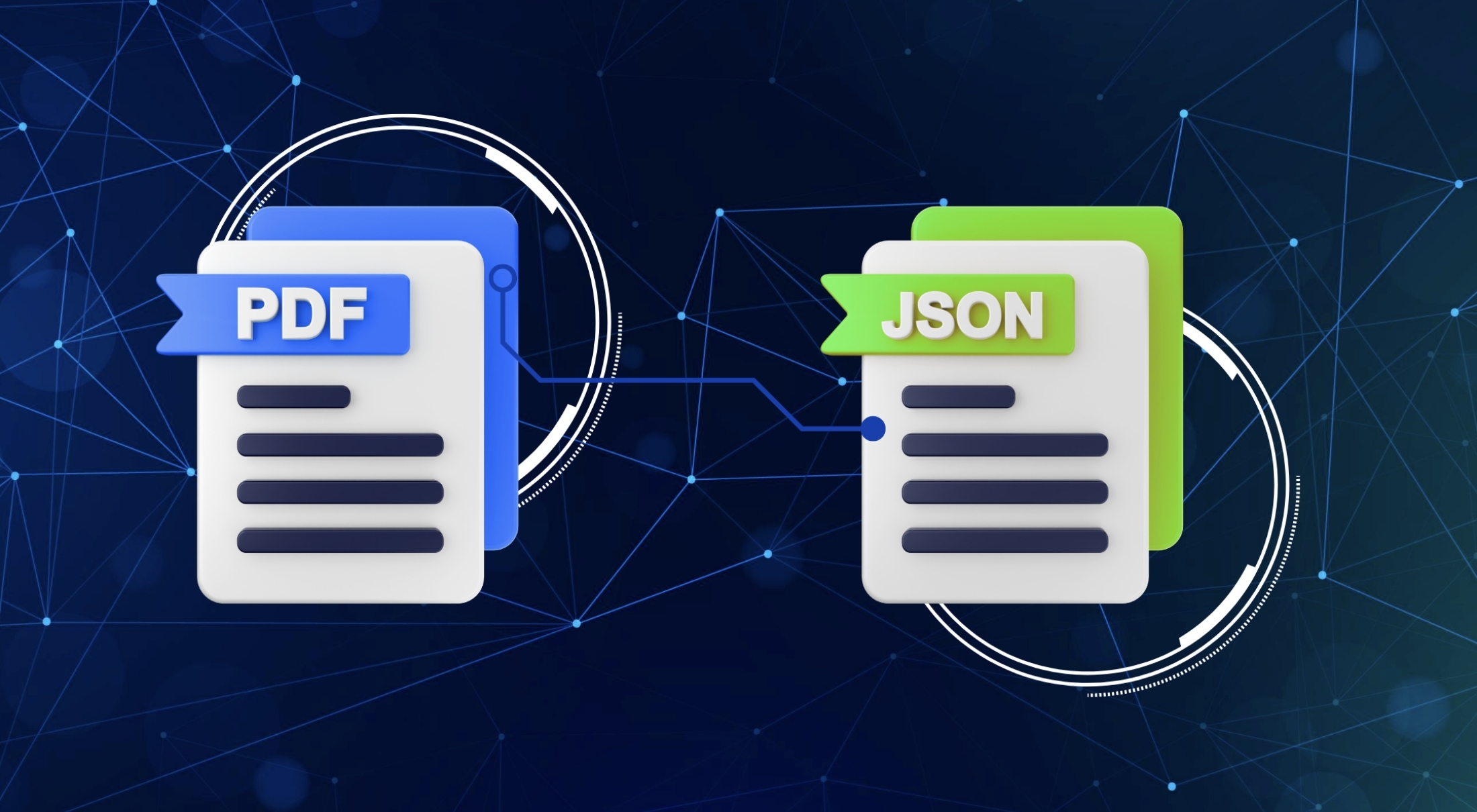

Every developer often faces this problem: required data trapped inside PDFs, scans, and other unstructured formats that are difficult to process. This is why document parsing APIs have become a crucial tool in modern applications by making that data machine-readable. For developers, the right API should be reliable, flexible, and easy to integrate, without significant latency. When done right, it can help them to cut hours of manual data cleanup into automated, enabling faster data transfer.
In this guide, we will explore the role of document API for developers, including what makes it important, how it works, and the benefits it brings. We will also add our top five tools to help you choose the right one.
What is Document Parsing APIs
Document parsing APIs are tools that transform unstructured data from documents into structured data that software programs can easily read and process. Common document types that require parsing include PDFs and scans, which are not directly compatible to process within the system. To understand text and document structure, API uses an advanced AI OCR technology. It converts the extracted content into usable formats such as JSON or XML, enabling easy data integration into existing backend systems and data pipelines.
How Document Parsing APIs Process Data
Based on the explanation before, we can define that Document Parsing APIs are built to make information in documents usable for programmatic access and integration. However, this transformation is handled through a multi-stage process as follows:
1. Document Ingestion
The API accepts documents such as PDFs, images, or Word files and performs initial validation on file type, encoding, size, and integrity before processing begins.
2. Data Extraction
The system applies noise reduction, layout normalization, and Optical Character Recognition (OCR) which plays a crucial role to extract raw text from both digital and scanned documents.
3. Structural Analysis
Using layout analysis and natural language processing models, the parser identifies document elements including headers, paragraphs, tables, and key-value pairs.
4. Data Mapping
The extracted data is then transformed into a specific structured format, such as JSON, XML, or CSV, while preserving hierarchical structure between data, resulting in accurate output for downstream consumption.
5. Data Export
If required, validation rules can be applied to ensure extraction accuracy before the final structured response is returned to the client application.
Best Document Parsing APIs for Developers
Selecting the right Document Parsing API depends on document complexity, accuracy, supported formats, and how easily the API integrates into existing systems. Below are three leading tools that developers can use to efficiently parse documents at scale.
1. Fintelite
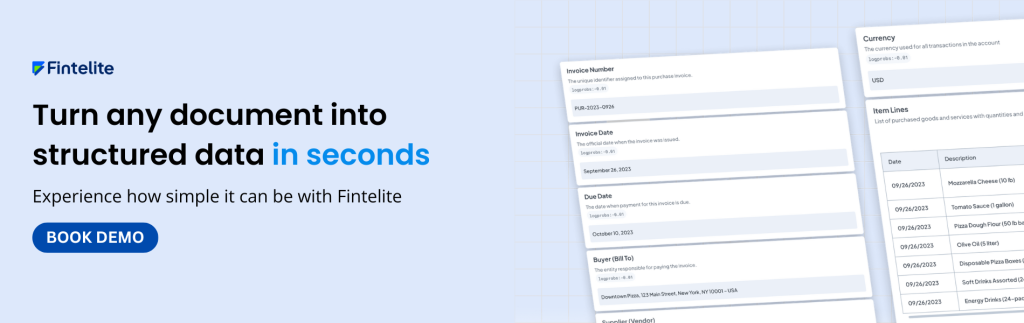
Fintelite provides a flexible, developer-friendly document parsing API with strong support for a wide range of document types. Powered by AI, it delivers robust extraction of text, tables, and handwriting from documents of varying complexity. Moreover, it also offers customizable data capture, enabling developers to define precise extraction logic for domain-specific fields, which helps handle edge cases and maintain consistency across documents. Easily implemented to your workflow with fast deployment, no model training required. Its API produces highly structured output formats like JSON for seamless integration into the existing system your business already relies on.
2. Amazon Textract
Amazon Textract offers document parsing service that enables automated extraction of structured information from raw documents such as PDFs and scanned images. It extracts data while preserving contextual relationships, ensuring data output is easy to consume by your system. Built to operate natively within the AWS ecosystem, Textract is suitable for large-scale enterprise use cases where accuracy, reliability, and seamless cloud integration are critical.
3. Mindee
Mindee offers an API-first document parsing platform designed to help developers quickly extract structured information from documents. It supports both prebuilt and custom document models to handle diverse formats and layouts. With well-structured JSON outputs and language-specific SDKs, Mindee is a helpful solution for teams that are looking for document parsing API with rapid and easy integration.
Frequently Asked Questions
Still have questions in mind? Explore clear answers to common developer questions about the document parsing API as we include additional insights on setup, output delivery, and data handling.
1. What format does the API return the extracted data in?
The API returns highly structured, machine-readable outputs, typically in JSON, making it easy to integrate with backend systems, automation pipelines, and data processing workflows.
2. How easy is it to integrate the Document Parsing API into an existing application?
Integration is straightforward using RESTful APIs and official SDKs available in multiple programming languages. Most developers can deploy it quickly without the need for model training or extensive configuration.
3. Does the API store uploaded documents or extracted data?
Each API service has its own data handling and retention policies. Commonly, document parsing APIs support configurable data retention options, allowing documents and data extract to be processed transiently or stored only when explicitly required by the application.
