
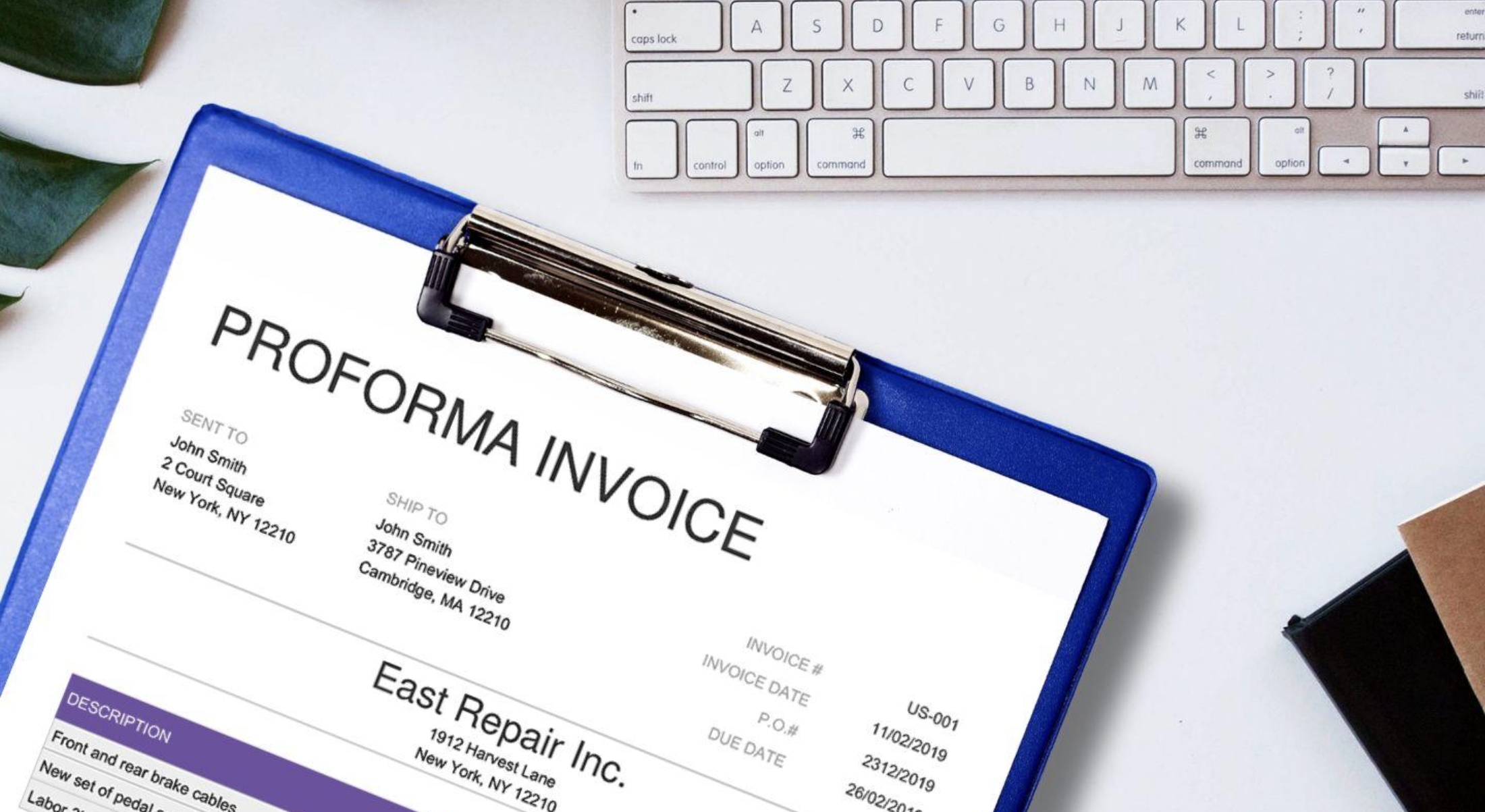

Managing invoice load can be a challenge as business grows. For finance and accounting teams, this often means spending hours manually inputting and settling each bill into the accounts payable system. But with the right OCR solution, this process can be greatly simplified by automating data extraction.
Finding the best OCR software for your business is not always about big brand names. The right tool is the one that fits your operational needs, including how scalable it is when facing increasing workload and how accurate it is across various invoices you process in routine.
In this guide, we break down 5 of the best OCR for finance and accounting, each offering unique capabilities for invoice data scanning and capture.
What to Look for in an OCR Solution
Today, the market is flooded with OCR software options. Selecting the right solution depends entirely on the specific features your finance and accounting team needs most. However, these three factors are non-negotiable:
Smoothly adapting to invoice variations
First and foremost, the software must easily recognize data across different vendor layouts. Whether you are processing a standard utility bill or a complex international vendor invoice, the system must deliver consistent precision in data extraction.
Allowing custom data extraction fields
Each business handles invoices differently. This is why the flexibility to set up specific data extraction fields that fit your exact workflow is essential. With OCR working according to your unique rules, you can seamlessly push data through your pipeline without any additional manual steps.
Delivering ERP-ready output
Extracted data is only as good as its usability, meaning the software must format and export files (such as Excel, JSON, or direct API data) that seamlessly map to your existing accounting system.
Best Invoice OCR for Finance & Accounting
TL;DR
Top 5 OCR Tools Compared
| Software | Best For | Key Highlight |
| Fintelite | Template-less AP Automation | Offers no-code custom extraction and cross-data document validation with hybrid cloud/on-prem deployment. |
| Parseur | Email-to-Data Workflows | Simplifies document ingestion directly from emails using ready-to-use models and detailed audit logs. |
| Tesseract | Global, Custom Workflows | A free, open-source engine supporting 100+ languages—ideal for developers building bespoke enterprise pipelines. |
| Xtracta | Fast & Flexible Ingestion | Features an easy, setup-free deployment that pulls documents from multiple channels directly into existing systems of record. |
| Mindee | Developer-First Apps | An API-first platform with instant, pre-trained models and a powerful custom builder for industry-specific documents. |
Fintelite
Fintelite is an AI OCR solution powerful for automating invoice data intake from any source, whether it’s scanned documents, PDFs, or emails. Unlike legacy OCR tools, Fintelite provides template-less automation that allows you to process different vendor formats without any manual configuration. Data extraction is also customizable in a way that lets you define which fields you want to be extracted, ensuring a standardized output every time. Added features like cross-data validation make it even more capable to support your accounts payable workflows.
Key features:
- No-code custom data extraction
- Data matching between two or more documents
- API integration into your existing system
- Multi-language support for global document types
- Flexible hybrid deployment, cloud or on-premise hosting
Parseur
Parseur specializes in OCR-based data parsing for business documents such as invoices and purchase orders. This software is known for simplifying document retrieval through email, enabling quick and accurate data extraction. With Parseur, finance and accounting teams can reduce reliance on manual tasks, accelerate processing times, and streamline their workflows.
Key features:
- Automated document ingestion via email
- AI-powered data extraction with high accuracy
- Ready-to-use OCR models for common document types
- Detailed audit logs of activity and document history
Tesseract
If you are looking for an open-source OCR solution, Tesseract is one of the most popular options available. Its support for over 100 languages makes it highly suitable OCR for finance and accounting teams working across different regions. Additionally, its open architecture offers the flexibility needed to integrate seamlessly into custom enterprise workflows.
Key features:
- Extensive language and script support
- Flexible input/output formats
- Open source, free licensing
Xtracta
Xtracta offers an OCR software designed to help businesses automating data extraction from transactional documents. Built for efficiency, the software is easy to use without requiring a complex setup process. Additionally, it features API integration for seamless data transfer directly into your existing systems of record or the accounting applications you currently use.
Key features:
- Accepts input in any format
- Multi-channel document ingestion
- Intelligent layout recognition
Mindee
Mindee is an API-first data extraction platform. No complex setup, pre-trained models for common document types like invoices and receipts are ready to use. However, Mindee also offers a powerful custom OCR builder that allows business teams to train tailored models for unique, industry-specific documents.
Key features:
- Developer-friendly design
- Customizable OCR data extraction
