
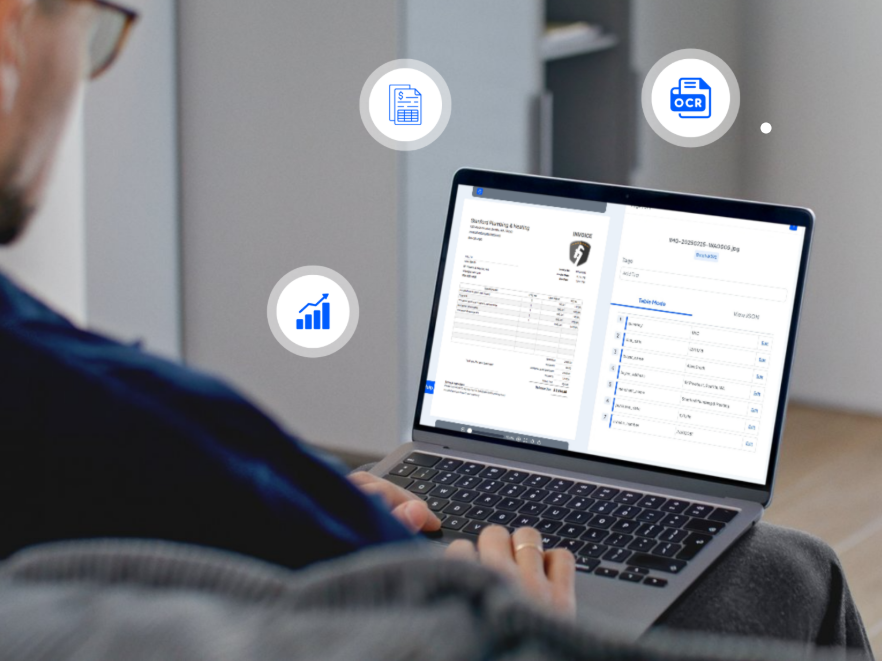

In this AI era, businesses around the world are increasingly turning to automation. One area seeing significant transformation is accounts receivable, where manual processing of invoices, receipts, and payment documents can be time-consuming. Technology like OCR automation is widely adopted as it offers a smarter way to cut manual tasks by automatically capturing data from various documents during finance operations.
We will walk you through how OCR works and the best way to implement it in accounts receivable, especially for streamlining invoices data extraction. By the end of this article, we also explore several considerations to ensure OCR in accounts receivable remains efficient and reliable, even as transaction volumes grow.
How OCR Technology Works in Accounts Receivable
Fundamentally, OCR (Optical Character Recognition) is a technology that converts printed or handwritten text into digital data. It was first developed for early scanning and has since evolved with AI and machine learning, becoming popular as a business solution to reduce reliance on manual efforts and streamline document workflows.
When it comes to accounts receivable, OCR can be very useful for automating data intake from invoices, receipts, and other payment documents required during the process. Its capability to instantly capture data makes data entry more seamless and faster to complete. Employees are freed from repetitive tasks, as OCR integration can also input the information directly into accounting systems. Furthermore, OCR allows finance teams to move from tedious paperwork to more strategic tasks, resulting in a more productive workforce.
Accounts Receivable Processes That Can Benefit From OCR
Accounts receivable is a multi-step process where finance teams handle large volumes of invoices and payment documents to reconcile payments. OCR technology helps modernize AR by automatically capturing and processing all necessary data from transactional documents.
Invoice Data Capture
OCR takes on the heavy lifting of data extraction from invoices and proofs of payment. With data captured in seconds, finance teams can collect required information more efficiently and in significantly less time compared to manual data entry.
Invoice Validation and Matching
For two-way matching, the extracted data can be automatically validated and matched with other documents such as purchase orders or delivery notes. This can help early identification for discrepancies and faster exception handling in the AR process.
Invoice Payment Posting
OCR streamlines the posting of invoice data directly into accounting or ERP systems. By automating this step, finance teams can shorten processing times and stay focused on more tasks that matter.
Key Considerations for Implementing OCR in Accounts Receivable
As we can see, OCR is a valuable tool for simplifying accounts receivable, but adopting it comes with several challenges to consider:
The Potential for Errors
Traditional OCR struggles with poor-quality scans, unusual fonts, or handwritten notes. Choosing an AI-powered OCR solution with advanced data extraction capabilities for varying and complex document formats can significantly reduce these errors.
Employee Training and Adaptation
Integrating OCR will change how teams process documents routinely. Teams must learn to handle exceptions, review flagged entries, and understand how OCR fits into daily workflows. Thus, clear guidelines are essential to help employees fully leverage the tool with confidence.
Cost and ROI Considerations
Implementing OCR involves software licenses, setup, and ongoing maintenance. Businesses with lower invoice volumes may take longer to see financial benefits, making careful ROI planning essential.
With all that said, businesses should carefully ensure the best implementation to gain maximum value from OCR automation. Fintelite’s AI-powered OCR delivers easy-to-use data capture across all document types. Our team is ready to tailor the solution to fit your specific data extraction needs and seamlessly integrate with the systems or applications you use.
People Also Asked
FAQ 1: Is OCR secure to implement in business internal systems?
OCR solutions for businesses are commonly equipped with strong security controls. At Fintelite, we ensure that all processed data remains private and protected through data encryption, role-based access controls, and enterprise-grade, ISO-certified security standards.
FAQ 2: Can OCR output data in formats like XLS or JSON?
Yes. OCR generates structured data output that can be exported in XLS (Excel) or JSON formats for easy integration with accounting systems or ERP platforms.
FAQ: Does using OCR on a daily basis require technical skills?
No. Especially with Fintelite, our OCR service is easily accessible through an intuitive dashboard. You can automate data extraction in just a few clicks without a single code.
