
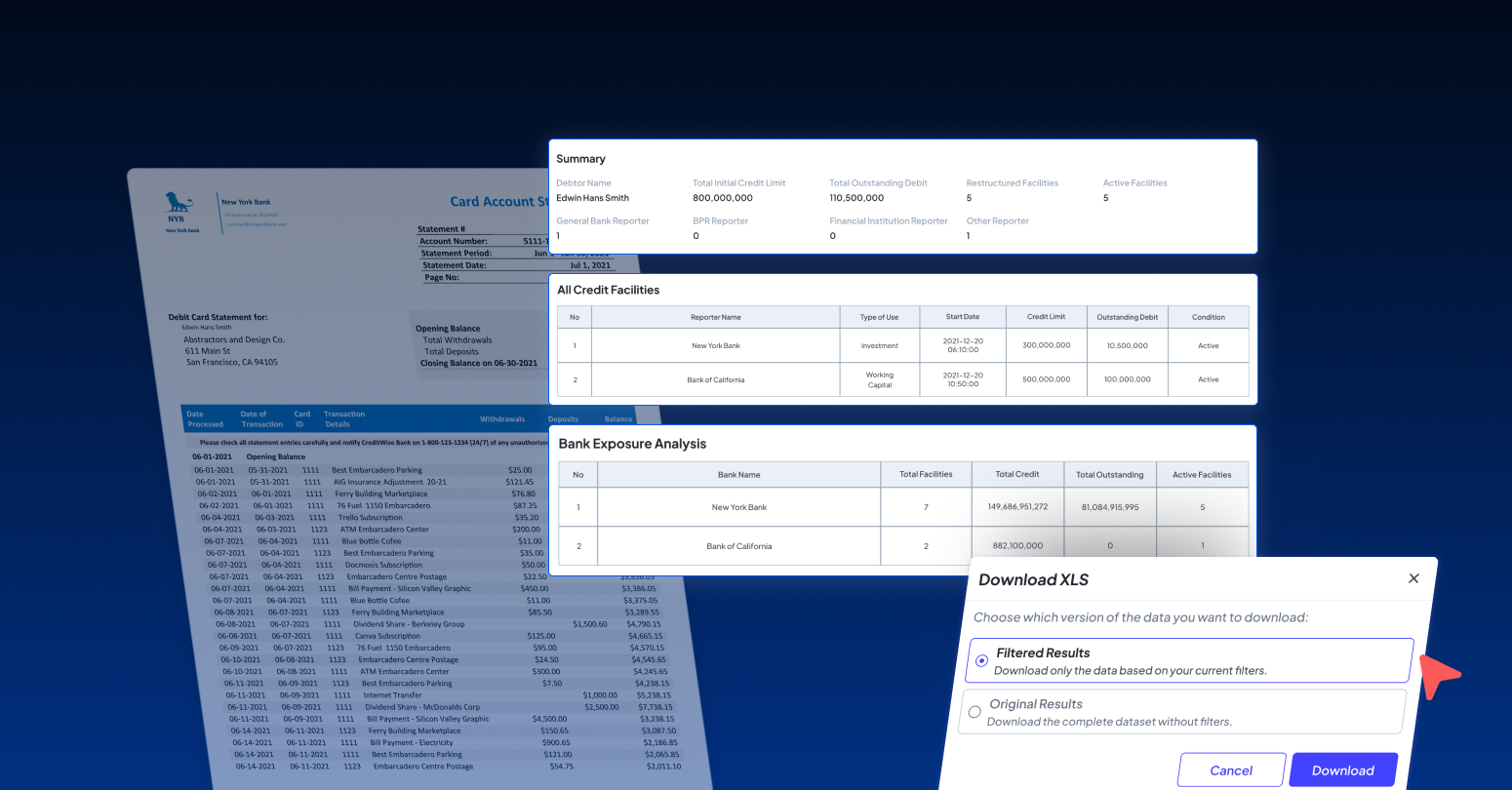

Bank statements are official summaries of bank transactions that usually span multiple pages. To make the most out of bank statement records for financial insights, the data needs to be processed and analyzed. But how do you do that when essential details are trapped in PDF files?
While manually moving large volumes of transactions into Excel or processable documents drains time, data extraction can be automated with the right tool. Fintelite AI OCR is the tool you’re looking for to extract data from bank statements the easy way. It excels at reading and extracting tabular data, such as that found in bank statements. In this guide, we’ll explore how to extract data from bank statement tables automatically with Fintelite’s AI. We’ll also answer the questions you’ve likely been asking about the step by step, supported file types, output formats so you can get started easier.
What are the main challenges in extracting data from bank statement tables?
What makes it often difficult to get accurate results is the inconsistent table layouts, low-quality files, and varying column across banks. Without the right tool, manual effort may be needed to correct misaligned data structures in the extracted tables.
What needs to be considered before extracting data from bank statement tables?
Before extracting data, consider which pages you want to process, the required output format, and the tools you’ll use. Since bank statements contain sensitive information, choosing a reliable platform with robust security is a must.
What makes Fintelite’s AI OCR useful for extracting data from bank statement tables?
In one word: automated. Fintelite’s AI OCR automatically captures and organizes transaction data while perfectly preserving table structures. Powered by scalable AI, it delivers consistent, structured results, even across large volumes of bank statements, and all without manual grind.
How can I use Fintelite to extract data from bank statement tables?
Only three simple steps to get it done.
- In the dashboard, click upload and submit your bank statement file.
- Fintelite’s AI OCR automatically detects tables, identifies transaction fields, and extracts structured data such as dates, descriptions, debit/credit amounts, and balances.
- Review the extracted data and export when it’s ready.
Book a demo to see how it works live
Is it safe to upload bank statements to Fintelite?
Yes. Uploaded bank statements are protected using secure data handling practices that complies with global data security standards. Fintelite adheres to strict encryption protocols, access controls, and confidentiality measures to ensure your financial data remains private throughout the processing.
How accurate is data extraction from bank statements with different table structures?
Fintelite is built to handle a wide variety of bank statement layouts. Its AI models adapt to different table structures, column names, and formats across banks, delivering high accuracy even when layouts vary significantly. In other words, no extra training needed for every new bank statement layout.
Can I export the extracted bank statement data into Excel?
Yes. Fintelite provides a quick button to automatically export extracted data into Excel format that’s easy to edit, analyze, or import into accounting and financial systems.
Read also: How to Convert Bank Statements to Excel
What other output formats does Fintelite support?
In addition to Excel, Fintelite supports multiple output formats such as JSON, XLS, CSV and structured data formats suitable for databases or system integrations, allowing flexibility based on your workflow and reporting needs.
How scalable is Fintelite for business use?
Fintelite scales with your business continue to grow. Our platform efficiently handles growing data volumes and transaction loads, making it suitable for high-frequency document processing. With flexible deployment options via dashboard or API integration, Fintelite seamlessly adapts to your existing workflows as your business grows.
