
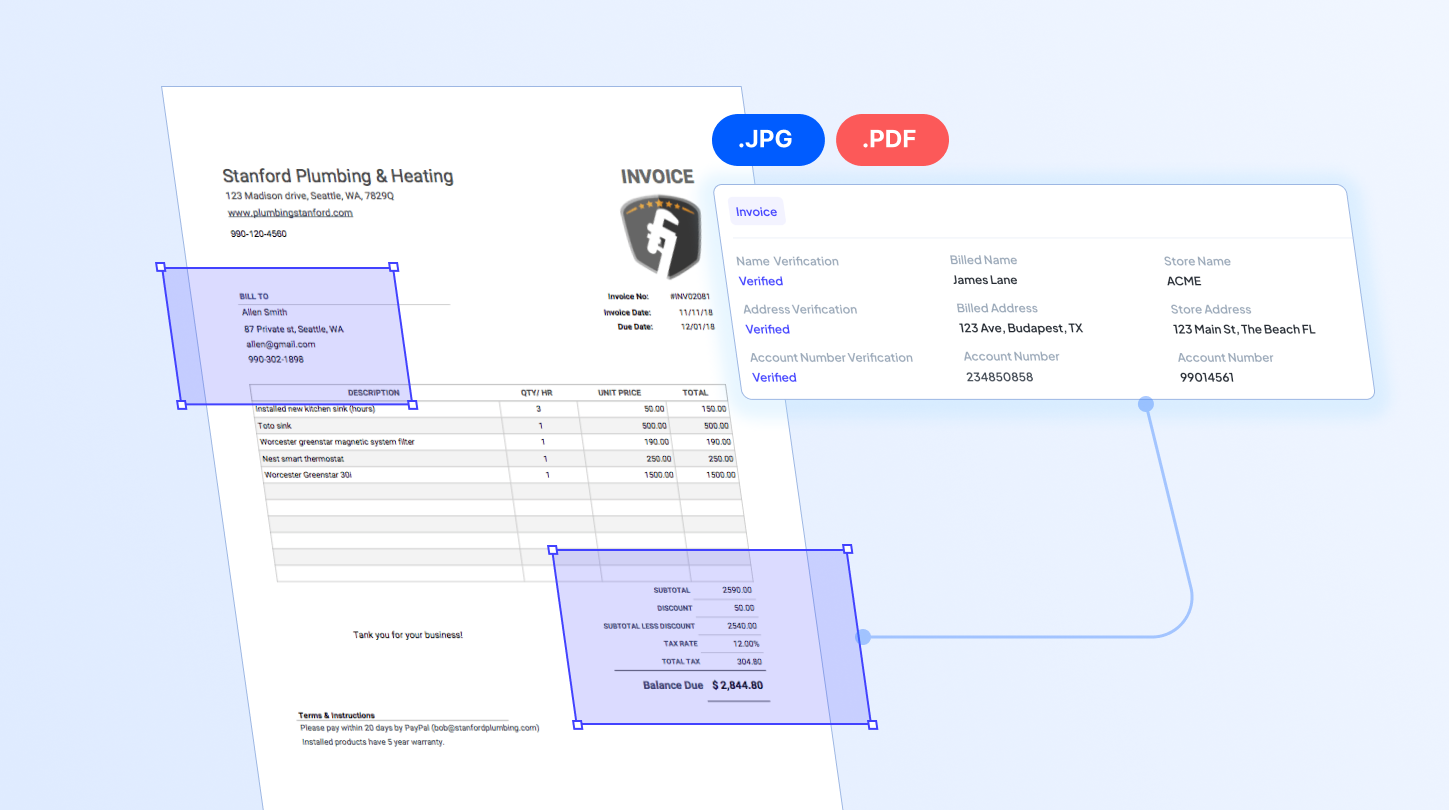

On a regular basis, businesses deal with documents in varying formats, including scanned PDFs and image files. When handled manually, these formats can be quite challenging and time-consuming to process. This is where extracting data becomes essential in collecting necessary information from documents. And thanks to AI OCR, extracting data from scanned documents can now be done automatically in just a few simple steps. All it takes is one click to parse and convert documents into structured datasets that computers can easily process, store, and analyze.
In this blog, we walk through common questions around data extraction from scanned documents and show how AI OCR can simplify the process. We also provide tips to help you get the most value from AI OCR in everyday office paperwork.
What needs to be considered when extracting data from scanned documents?
Answer: Selecting the right tool is essential to ensure that data from scanned documents can be accurately detected and extracted. Whether you want to pull transaction data from invoices, extract patient information from medical records, or capture key details from other document types, Fintelite AI-powered OCR is a tool you can rely on to automate the data extraction process in your business.
How does Fintelite help with data extraction from scanned documents?
Answer: Powered by AI, Fintelite intelligently identifies patterns, context, and character shapes. The AI enables context-aware data extraction, resulting in accurate labeling, structured outputs, and higher accuracy unlike any other.
How easy is it to extract data from scanned documents with Fintelite?
Answer: The following steps show how to easily extract data from scanned documents with Fintelite.
- Sign up to the Fintelite dashboard.
- Choose the type of document you want to process.
- Upload scanned documents.
- Fintelite’s AI instantly reads and extracts all important data.
- Extracted data is accurately labeled and organized into structured formats.
- Users can review, export, or integrate the data with minimal manual effort.
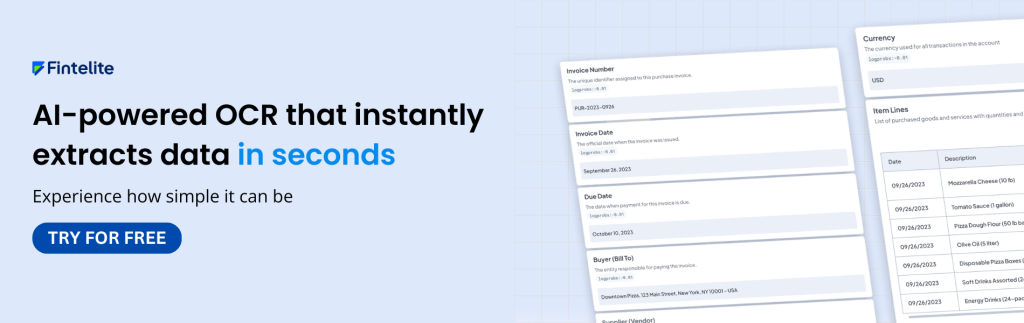
What data output can Fintelite provide from the extraction process?
Answer: There are multiple format options you can choose to export your extracted data. From XLS, JSON, or simple TXT, Fintelite transforms your data into formats that are easy to use, integrate, and align seamlessly with your existing systems and workflows.
Can Fintelite handle different document layouts and designs?
Answer: Yes, seamlessly. We know even the same document type, such as invoices, can vary widely across vendors. Fintelite’s AI is built to effortlessly adapt to these document variations so you can experience smooth data extraction for any type of documents, without requiring manual adjustments.
How fast can Fintelite help extracting data from scanned documents?
Answer: Fintelite offers instant data extraction, delivering results just seconds after you hit the processing button. Powered by AI-driven OCR, it quickly analyzes scanned documents and converts them into structured data, freeing you from manual data entry that once took hours.
Is Fintelite scalable for handling business document processing?
Answer: Absolutely. Fintelite is designed for scalability. Efficiently process increasing volumes of documents without compromising speed or accuracy. Whether handling hundreds or millions of documents, its AI-driven OCR adapts seamlessly to growing operational demands.
Conclusion
Extracting data from scanned documents is now effortless. Fintelite AI-powered OCR helps you automatically transform scanned content into structured datasets that your system can easily process. With Fintelite automation, reduce time spent on repetitive work and let your team focus more on higher-value work that matters.
