
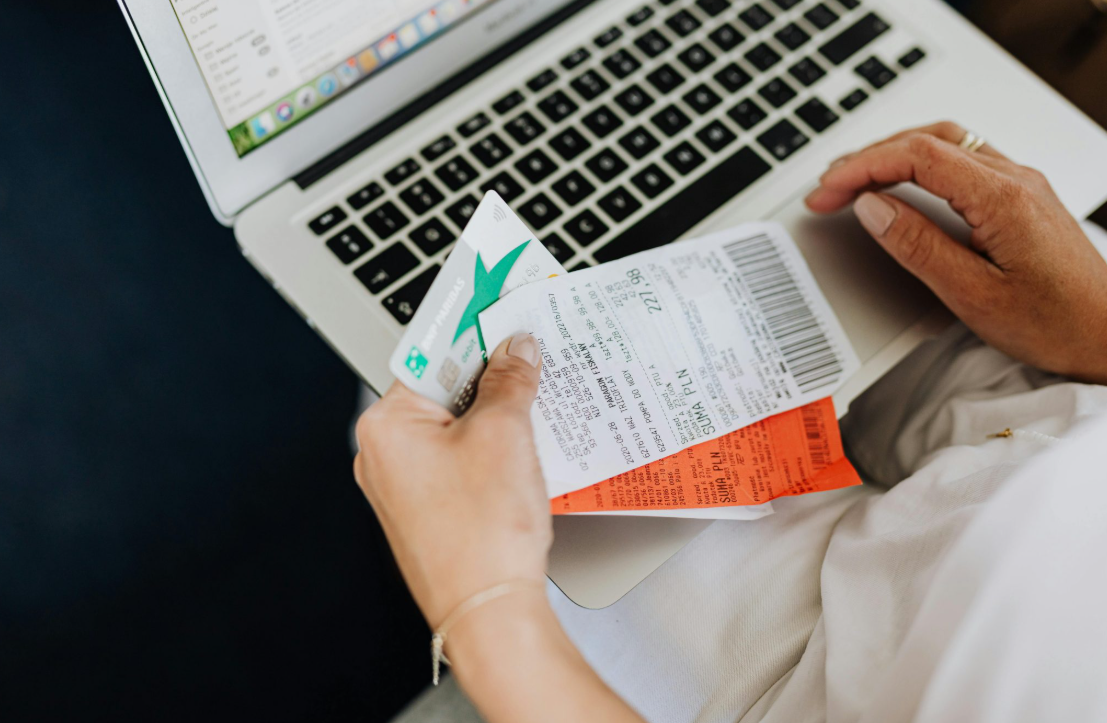

Transaction documents such as receipts, invoices, and purchase orders have always been a crucial part of a business’s finance function. However, these documents are still largely processed manually, with employees required to perform repetitive data entry into the accounting system. As transaction volumes grow, this labor-intensive process can be a major bottleneck to business efficiency.
What if that data could be captured and organized automatically?
OCR technology makes that ‘what if’ into a reality. By automating structured data extraction from all documents, OCR enables faster and more accurate financial data processing. At Fintelite, we combine OCR with AI to deliver advanced data extraction solutions that meet modern business needs. This article will walk you through the use of OCR for streamlining transactional document processing. We also answer key questions about how the technology works and how to implement it effectively for your business.
What exactly is OCR and how does it work?
Answer: Optical Character Recognition (OCR) is a technology that can convert printed, scanned, or image-based text into machine-readable data. It works by analyzing document images, identifying characters through pattern recognition and machine learning models, and transforming them into structured data formats. Modern OCR systems like Fintelite leverages artificial intelligence (AI) to cutting-edge capabilities in extracting data from varying documents with a high level of accuracy.
Is OCR capable of processing all types of transaction documents?
Answer: It depends on the OCR you use. While traditional OCR has rigid template requirements and only works with standardized documents, AI-powered OCR can seamlessly process a wide range of transaction documents regardless of format and layout differences. This means that data from any transaction documents such as invoices, receipts, purchase orders, bank statements, sales order forms, and many others can be accurately extracted without problem.
How do I select the right OCR for transaction documents?
Answer: The right OCR for transaction documents should be accurate and reliable to handle complex numerical data. To ensure maximum performance, consider an AI-powered OCR like Fintelite that is highly trained and specializes in processing financial documents. Its capability to extract structured data with unmatched speed and precision makes it the perfect solution for businesses looking to streamline finance operations.
Is Fintelite OCR safe for processing sensitive documents?
Answer: Yes. Fintelite OCR is built with enterprise-grade security standards to protect every processed data in the platform. It ensures secure data handling practices, encryption, and compliance-ready infrastructure, along with flexible deployment options tailored to your business needs, so all data remains protected end-to-end.
How easy is it to use Fintelite OCR for extracting data from transaction documents?
Answer: Fintelite AI OCR is built for simplicity. It automates data extraction from any type of transaction document you want to process, with little to no manual effort. All you need to do is upload your document, and its AI-powered engine will automatically detect, extract, and structure data from the document body. Moreover, businesses can integrate the automation into existing workflows, enabling data to be auto-indexed into the appropriate fields in the system.
How long does Fintelite OCR processing take?
Answer: With Fintelite, data extraction results are typically delivered within seconds. For longer transaction documents, such as multi-page bank statements or files containing highly detailed information, processing may take slightly longer. This ensures the system can accurately extract, validate, and structure each data field with maximum precision.
Book a demo to see Fintelite in action.
Can extraction fields be customized based on requirements?
Answer: Yes. Fintelite makes it easy to customize specific data extraction to match with your business requirements. Whether you need invoice numbers, line items, or other transaction details, you can create tailored rules by defining exactly which fields to extract through a fast, no-code setup.
