
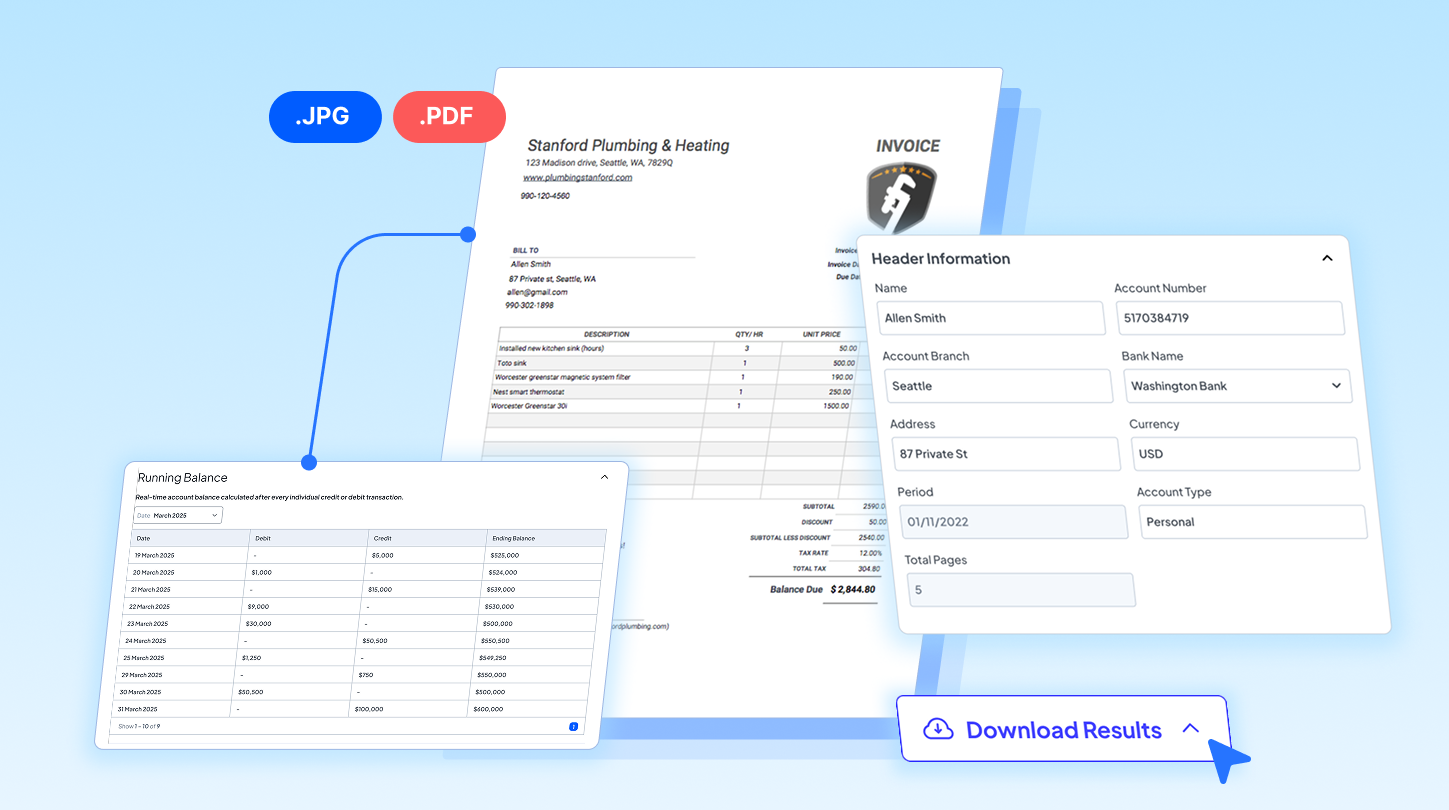

There’s one common inefficiency that almost every finance team faces: manual invoice entry. As volume grows, this process becomes too time-consuming and often delays accounts payable workflows. Fortunately, OCR has emerged as a transformative tool to solve this recurring challenge. It helps you automate structured invoice data extraction, freeing you from the endless cycle of manual data logging. The best OCR easily reads varying invoice formats from vendors, exactly what Fintelite AI OCR delivers.
In this post, we will explore how OCR invoice processing can be highly beneficial for streamlining AP workflows. By the end, we will also explain how Fintelite AI OCR powers the most efficient automation for invoice data extraction.
What Is OCR Invoice Processing?
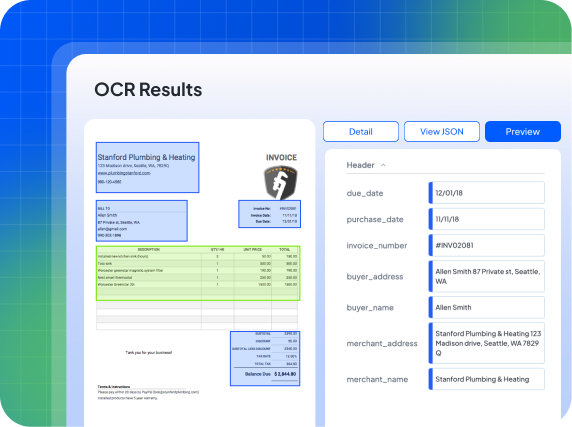
OCR invoice processing refers to the utilisation of Optical Character Recognition (OCR) technology to transform invoices into structured data. Invoices are received either as digital PDFs or paper documents, which usually require manual inputting to initiate processing. OCR technology helps by reading these files and extracting crucial information such as invoice number, amount, due date, and vendor name. This means OCR-based invoice processing allows teams to eliminate the need for manual data entry entirely, as all required data can now be instantly extracted and routed to the system in seconds.
How OCR Invoice Processing Works in Accounts Payable
Generally, accounts payable workflow involves a series of steps, starting with receiving bills and recording them in the system, and ending with payment execution to the relevant vendor. However, the initial phase of data collection is often a challenge, and that is precisely where OCR invoice processing steps in. By replacing manual entry with automated data extraction, it helps finance teams make payment fulfillment faster.
Here’s what happens when OCR invoice processing put into practice in accounts payable:
Document Ingestion
OCR receives incoming invoices from various sources, centralizing documents whether they arrive via email or as direct scan uploads to the system.
Data Extraction
Invoices are then automatically processed to identify and extract necessary data fields, such as totals, dates, and vendor names, converting them into a structured format.
Data Export or Integration
Finally, the clean, structured data can be downloaded in an Excel sheet or routed directly into the linked AP system, ready for subsequent payment processing.
Benefits of OCR Invoice Processing for Accounts Payable
OCR invoice processing brings various benefits for accounts payable, especially in saving time and scaling operations. Here’s how it adds value:
Automate Data Retrieval
OCR automatically captures invoice data, freeing your staff to focus on more strategic tasks rather than getting buried in manual paperwork.
Faster Payment Completion
With data ready instantly, approvals move much faster, helping you pay vendors on time and even capture early payment discounts.
Improve Data Accuracy
By removing manual typing from the process, OCR greatly reduces costly errors that can lead to financial discrepancies and strain your relationships with suppliers.
Read also: OCR Implementation for Accounts Receivable Processes
How to Successfully Implement OCR in Your AP Workflows
Successfully implementing OCR invoice processing starts with identifying the key capabilities you need in a solution. Here’s what to look for:
Smooth Handling of Invoice Variations
Traditional parser tools often struggle with different layouts, while AI-powered tools already excel at adapting to these variations. To prevent added manual burden, choosing an OCR solution capable of smoothly handling different invoice formats from various vendors is important.
Workflow Alignment
Ensure you can derive output in a format that matches your existing system, ensuring integration is effortless. For example, if you specifically need data in Excel, the structured data should be readily exportable with organized columns so you don’t have to manually reformat the file before use.
Guaranteed Data Security
When it comes to process sensitive financial information, robust encryption and compliance standards are essential. This layer of protection not only prevents data breaches but also ensures you remain compliant with strict financial regulations.
Fintelite AI OCR: The Smart Solutions for Invoice Data Extraction
Fintelite offers specialized AI-powered OCR invoices, built to fit your specific workflow needs. You can set output preferences to extract specific data points, ensuring the final data aligns perfectly with your existing systems. Unlike legacy tools, it seamlessly processes different invoice designs and layouts without requiring manual template creation. Whether handling PDFs, images, or scans, the platform converts these files into consistently structured output with precision.
