
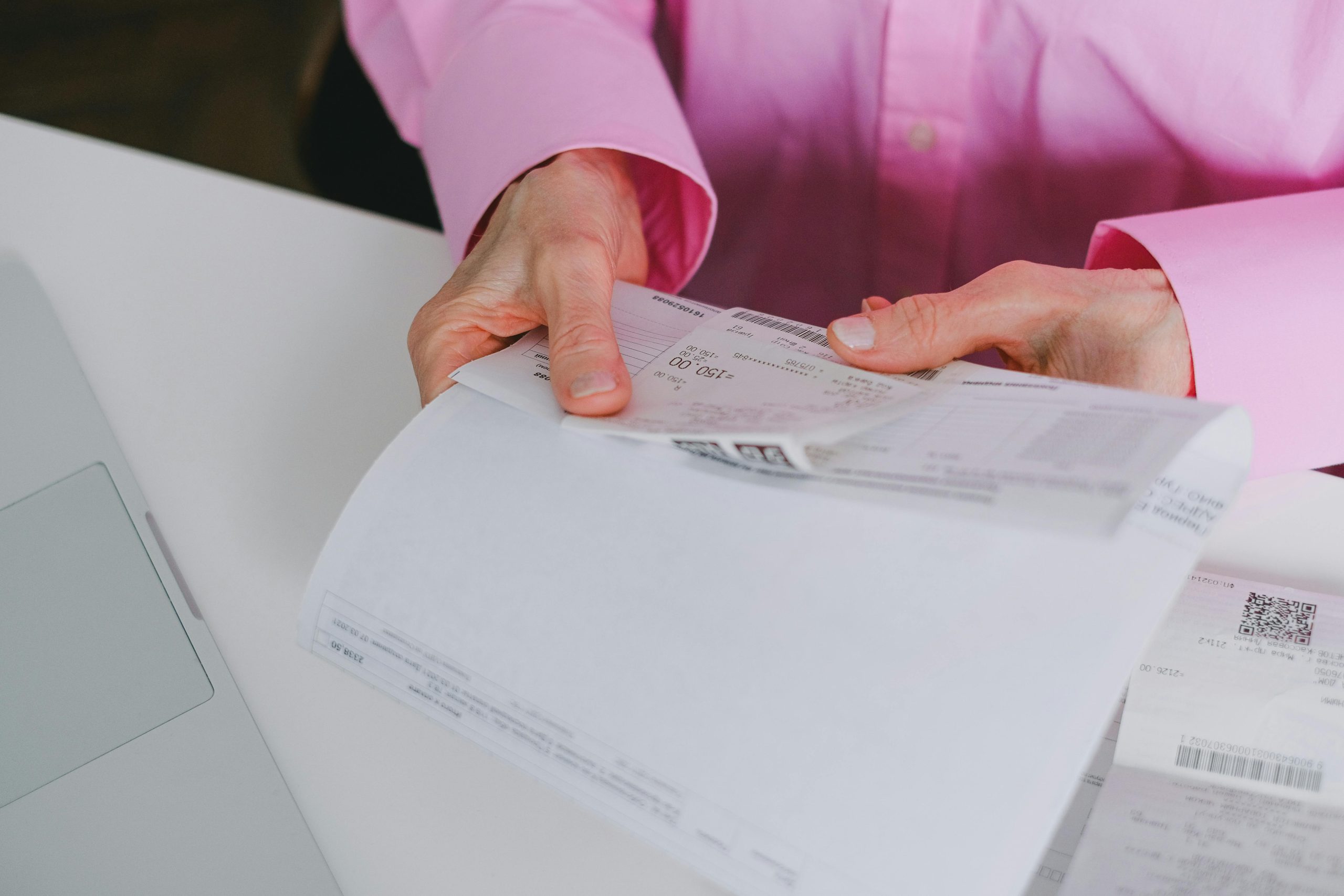

As businesses strive for greater efficiency in financial management, the extraction of data from receipts using OCR (Optical Character Recognition) technology becomes crucial. We will explores how companies can leverage OCR to enhance accuracy, save time, and improve data accessibility in financial transactions, with a special focus on the capabilities provided by Fintelite.ai.
What is OCR and How Does It Work?
OCR technology converts various document types, such as scanned papers, PDF files, or images from digital cameras, into editable and searchable data. This capability is particularly transformative for receipt management, enabling businesses to process and analyze their financial transactions efficiently.
The Importance of Using OCR for Receipt Data Extraction
OCR technology significantly improves operational efficiency by reducing the need for manual data entry, which is often time-consuming and prone to human error. With advanced algorithms, modern OCR solutions deliver high levels of accuracy, minimizing mistakes commonly associated with manual processing. In addition to improving speed and precision, OCR also enhances cost-effectiveness. By automating receipt and document data extraction, businesses can reduce labor costs and reallocate resources to more strategic, value-driven tasks for company’s bottom line.
Top OCR Tools for Extracting Data from Receipts
Fintelite.ai
- Features: Integrates OCR with artificial intelligence to provide not just data extraction but also insights into spending trends and patterns.
- Unique Selling Point: AI-enhanced OCR technology that goes beyond simple text extraction to offer actionable financial intelligence.
- Pros: Advanced analytics, user-friendly interface, powerful integration capabilities.
- Cons: Requires initial setup and familiarization.
Adobe Acrobat Reader DC
- Features: Powerful OCR capabilities to convert scanned documents into editable PDFs.
- Pros: High reliability, extensive features, integration with other Adobe products.
- Cons: The subscription cost may be high for some users.
ABBYY FineScanner
- Features: Known for precision in OCR technology, supports multiple languages.
- Pros: Accurate, includes a mobile app for scanning on the go.
- Cons: Higher cost, somewhat complex for beginners.
CamScanner
- Features: Mobile app that transforms a phone into a scanner with OCR capabilities.
- Pros: Highly convenient for remote management of documents.
- Cons: Less robust than full software solutions; premium features come at a cost.
Step-by-Step Guide to Extracting Data from Receipts Using OCR
The process begins with preparation, ensuring that receipts are clean, undamaged, and clearly legible to maximize OCR accuracy. Proper lighting and flat positioning help improve image quality and data recognition.
Next comes scanning, where a high-quality scanner or mobile device is used to capture clear images of the receipts. Sharp, well-focused images significantly enhance text detection and extraction performance.
Once scanned, it continues to extract relevant text and key data fields from the images, converting them into structured digital information.
After extraction, the captured data is reviewed, and any discrepancies or minor recognition errors are corrected to maintain data integrity.
Finally, during integration, the verified data is imported into accounting or expense management systems, enabling streamlined financial reporting and more efficient operational workflows.
Integrating OCR Data into Business Systems
Extract data from receipts with OCR can be seamlessly integrated into various systems, enhancing business processes like:
- Accounting Software: Facilitate real-time financial analysis and reporting.
- Expense Management Systems: Simplify and automate expense reporting and reimbursement.
- Compliance Tracking: Ensure accurate reporting for compliance and auditing purposes.
Future Trends in OCR Technology
Advancements in OCR are expected to integrate more deeply with AI and machine learning, offering even greater insights into financial data and consumer behavior. This evolution will further enhance the automation and analytical capabilities of financial management tools.
Utilizing OCR technology to extract data from receipts offers significant benefits for business efficiency, accuracy, and cost-effectiveness. Fintelite.ai stands out by providing a powerful solution that not only extracts data but also delivers comprehensive financial insights, driving smarter business decisions.
Transform your receipt management process with the advanced OCR solutions from Fintelite.ai. Book a demo to see how Fintelite can meet your specific business needs.
