
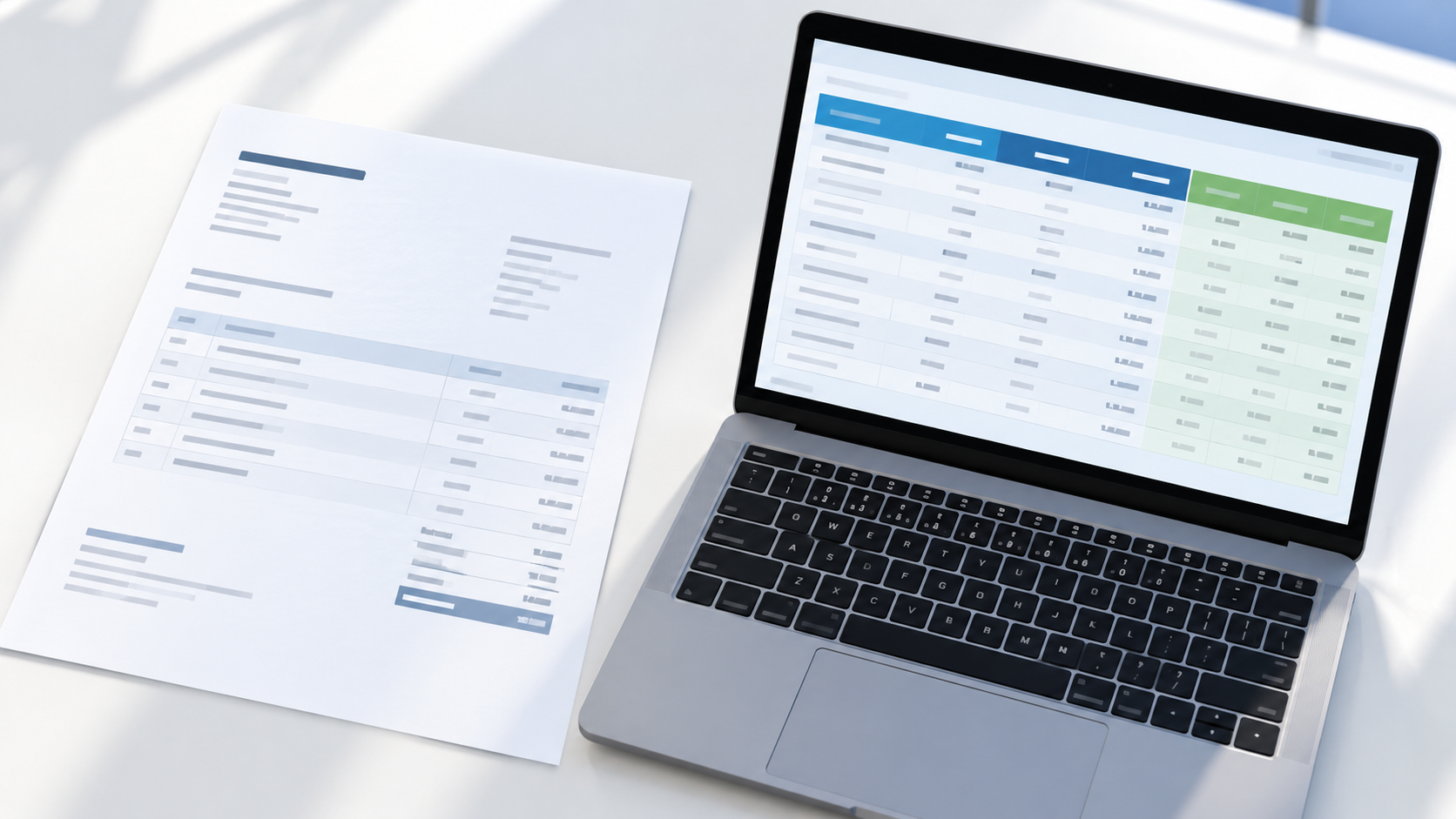
OCR has become a widely used technology for streamlining document processing across industries. The food and beverage (F&B) industry is an emerging area for OCR adoption, as businesses handle paperwork across purchasing, inventory, and supplier management.
With OCR in place, every document like supplier invoices or utility bills can be processed faster without manual data entry. This helps teams spend less time handling paperwork and more time keeping daily operations running smoothly. In this article, we’ll explore what OCR can do for the F&B industry and where it fits into everyday operations.
The Hidden Cost of Manual Data Entry
In many F&B businesses, documents still arrive as paper copies, PDFs, or photos sent through chat. Team members then read each one and retype the details into a spreadsheet or accounting system, line by line. Supplier invoices alone can include dozens of items, each with its own quantity, unit price, and total.
This routine work takes time away from more valuable tasks, and it is easy to get wrong. A misread number or a skipped line can lead to incorrect stock counts, payment errors, or disputes with suppliers. As the business adds more outlets and suppliers, the paperwork grows with it, and manual entry becomes harder to keep accurate and up to date.
How OCR Helps F&B Businesses Automate Data Extraction
Optical Character Recognition (OCR) is a technology that converts text from scanned documents, PDFs, and images into machine-readable data. In the food and beverage (F&B) industry, it helps businesses process paperwork without manually entering every detail.
For example, F&B businesses regularly handle supplier invoices, purchase orders, delivery notes, and inventory records. These documents contain important information such as product names, quantities, prices, and delivery dates. OCR can extract these details and convert them into structured data that teams can review and process more efficiently.
Read also: Comparing Traditional OCR vs AI-Powered OCR: Benefits and Applications
Top OCR Use Cases in F&B Operations
F&B businesses deal with a high volume of paperwork, from the moment ingredients are ordered to the time they are stocked and paid for. OCR is most useful where documents are repetitive, data-heavy, and still entered by hand. Here are the most common places it fits.
1. Supplier Invoice Processing
Restaurants, cafés, and food manufacturers receive invoices from many suppliers, each with a different layout. OCR reads supplier names, invoice numbers, item lines, quantities, prices, and due dates, then turns them into structured data. This cuts down on retyping and makes it easier to spot errors before payment.
2. Purchase Orders and Delivery Notes
Matching what was ordered with what was actually delivered is a daily task for F&B teams. OCR can capture the details from purchase orders and delivery notes so that quantities and items can be compared quickly. Differences such as short deliveries or wrong items are easier to catch and resolve with suppliers.
3. Inventory and Stock Records
Stock counts, goods receipts, and warehouse records are often written on paper or shared as photos. OCR converts these into digital records that can be added to inventory spreadsheets or systems. This helps teams keep stock data up to date without long hours of manual input.
4. Utility Bills and Operating Expenses
Outlets and kitchens pay for electricity, gas, water, rent, and other recurring costs. OCR extracts the billing period, amounts, and due dates from these bills and receipts, helping finance teams record expenses consistently across multiple locations.
5. Compliance and Product Documents
F&B businesses also handle documents such as supplier certificates, product labels, and batch or expiry information. OCR can pull key details from these documents so teams can find them faster during audits or quality checks. Any extracted data should still be reviewed by a person when compliance is involved.
The Benefits of OCR for F&B Businesses
Applying OCR to everyday documents brings practical gains for both operations and finance teams. Here is what you can expect when OCR becomes part of daily F&B operations:
1. Faster Document Processing
OCR reads invoices, delivery notes, and other documents in seconds, so data is ready for review much sooner. Teams no longer need to wait for manual entry before approving payments or updating stock.
2. Fewer Data Entry Errors
Automated extraction reduces the typos and skipped lines that come with retyping. With more accurate data, teams can avoid payment mistakes, stock discrepancies, and disputes with suppliers.
3. More Time for Daily Operations
When paperwork is handled automatically, staff can focus on work that needs people, such as managing suppliers, checking quality, and serving customers. This also makes it easier to keep up as the business adds more outlets and suppliers.
How AnyCheck by Fintelite Supports OCR-Powered F&B Workflows
AnyCheck by Fintelite offers AI-powered OCR that reads data from any document in any layout without manual templates, including supplier invoices, purchase orders, delivery notes, and utility bills. It is built to be customizable, so you can define the specific data you want to extract with a single prompt. Set it up once, and AnyCheck will consistently extract the same data fields you need, even when the layout changes.
Here is why businesses choose AnyCheck:
- Multi-Layout Data Extraction: Reads documents from different suppliers and formats without separate templates for each one.
- Multiple Output Formats: Delivers extracted data as Excel, JSON, or through an API, so it fits the tools your team already uses.
- Handwriting Recognition: Captures handwritten notes and entries, such as those on delivery notes and stock sheets.
Frequently Asked Questions
What is OCR used for in the F&B industry?
In the F&B industry, OCR is used to extract data from documents such as supplier invoices, purchase orders, delivery notes, inventory records, and utility bills. The extracted data can then be used for payment processing, stock updates, and expense recording without manual entry.
What F&B documents can OCR process?
Most routine F&B paperwork can be automated, including supplier invoices, purchase orders, delivery notes, goods receipts, inventory and stock records, utility bills, and expense receipts. Product labels and supplier certificates can also be read to capture details like batch numbers and expiry dates.
Can OCR read invoices with different layouts?
Basic OCR tools often need a separate template for each layout. AnyCheck by Fintelite reads documents in any layout without manual templates, so invoices from different suppliers can be processed the same way.
Can OCR read handwritten documents?
Yes, with the right tool. AnyCheck includes handwriting recognition, which helps capture handwritten notes and entries on documents like delivery notes and stock sheets. Clear handwriting gives the best results, so unclear entries should still be reviewed by your team.
How does AnyCheck OCR work, and can I try it?
You start by describing the data you want to extract with a single prompt, such as item names, quantities, prices, and dates. AnyCheck then reads your documents, extracts those fields, and delivers the data as Excel, JSON, or through an API. To see it run on your own F&B documents, you can try it for free.